
Everything you need in one app
Designed to be used one-handed and half asleep.
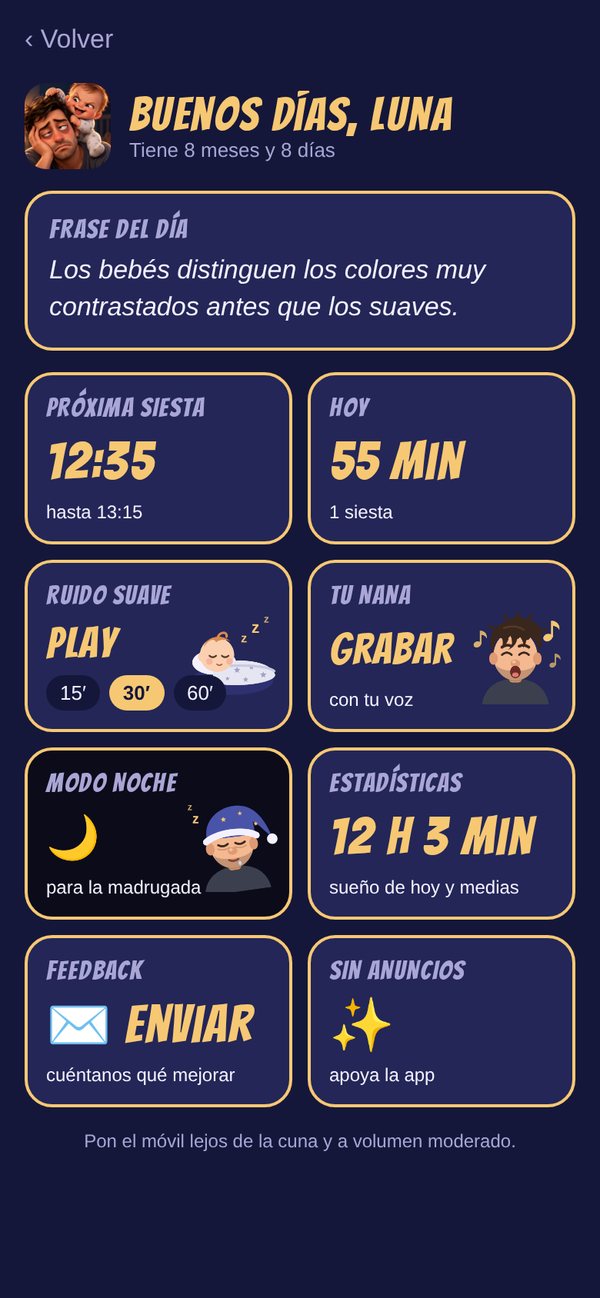
Next nap
Works out when it's time to sleep based on age and routine. With Premium, it also learns from your baby's real days.
One tap
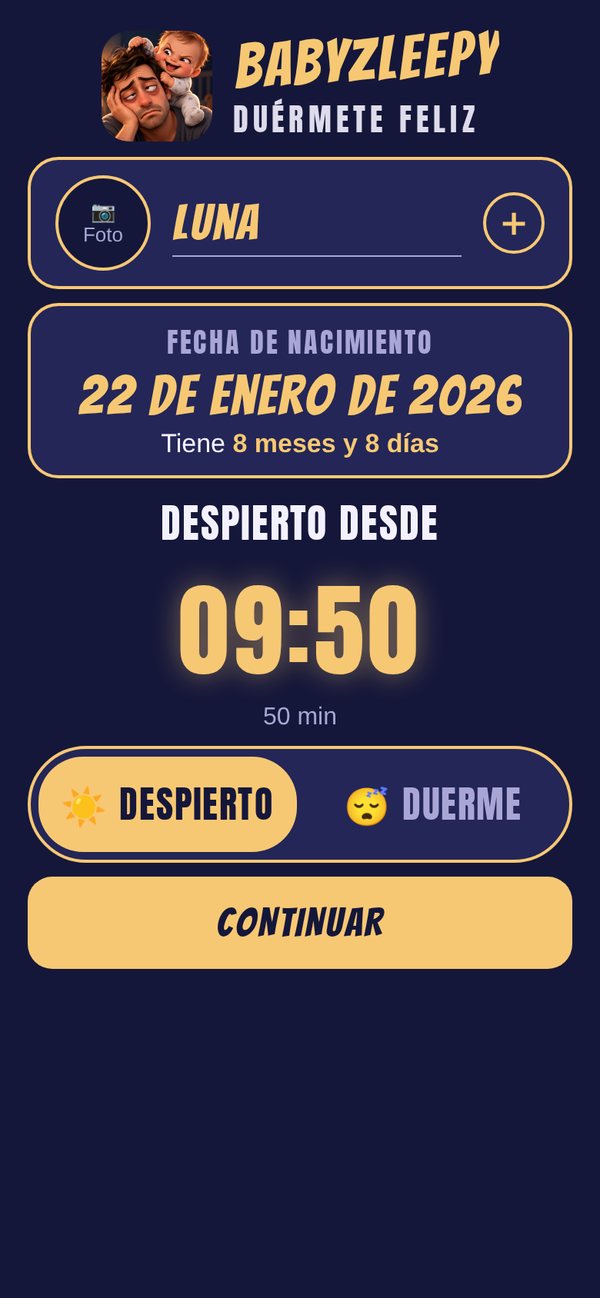
Awake or asleep: one big button logs every nap and every night.
Feeding
Breastfeeding with a timer, bottle, pumping and solids — now or later.
Diapers
Wet, dirty or both, with one tap. Earlier ones too.
Growth
Weight, height and head circumference, with a growth chart.
Potty Training
Note every win and every accident, with no pressure.
Share with family
Your partner, grandma or nanny see and log the same things, instantly.
On the Lock Screen
With Premium, see how long your babies have been asleep without opening the app.
Soothing sound and your lullaby
A gentle sound with a timer, or a lullaby recorded in your own voice.
Night mode
An almost-black screen for the small hours, so nobody gets dazzled.
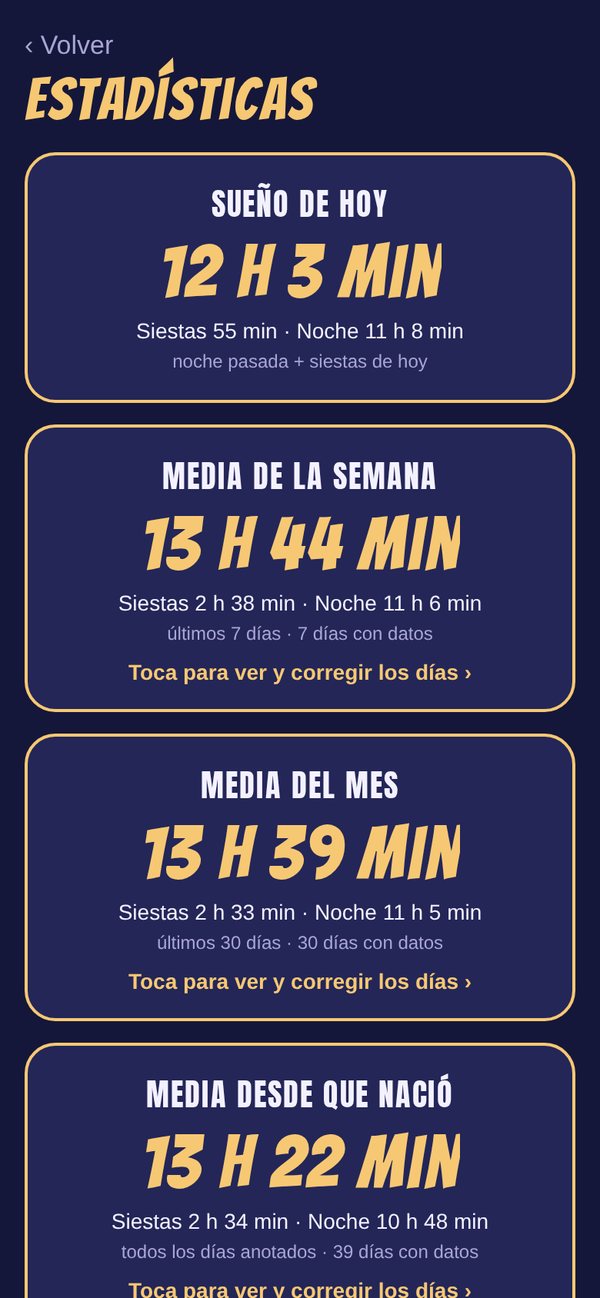
Statistics
Today and the full history. With Premium, weekly and monthly summaries.
More than one baby
Siblings or twins, each with their own photo and routine.
Take a look at BabyZleepy
Soft colours and large text, so you can take everything in at a glance.
Everything you need, for a fraction of the price
Logging sleep, feeds, diapers, growth and everything else is free, with no ads.
Premium: learns their rhythm, guidance for the rest of the day, summaries, sharing with your family and Lock Screen
Anyone who joins a shared baby pays nothing.
Help & contact
Something not working, or got an idea for an improvement? Drop us a line.
Where is my baby's data stored?
On your iPhone. If you share your baby with your family, their data — except the photo — is stored encrypted on servers in the EU, and only the people you share with can see it.
How do I share with my partner or nanny?
In the menu, tap “Share” and then “Invite someone”. Send the 6-character code; the other person installs BabyZleepy and types it in. Inviting requires Premium; anyone who joins pays nothing.
How do I get Premium?
In the menu, tap “Discover Premium” and choose a plan. If you switch to a new iPhone, use “Restore purchases” on the same screen.
How do I cancel my subscription?
On your iPhone: Settings › your name › Subscriptions › BabyZleepy.
How do I change the language?
The app uses your iPhone's language. You can choose a different one just for BabyZleepy in Settings › Apps › BabyZleepy › Language.
Does it replace the health visitor or GP?
No. Nap predictions and growth records are for guidance only. Every baby is different; if you have any concerns, speak to your GP or health visitor.