The difference that matters most between baby monitors is not always in the resolution. For some families it is being able to turn on a screen without using the cell phone; for others, seeing the baby from outside the home or checking a sleep history. Defining that need avoids paying for functions that you are not going to use.
Eufy E21 combines a parent screen with optional app access. The Nanit system focuses on connected monitoring and tracking tools; Its current offer also allows you to add an eight-inch Home screen. Therefore, “eufy has a screen and Nanit does not” is no longer a sufficient comparison.
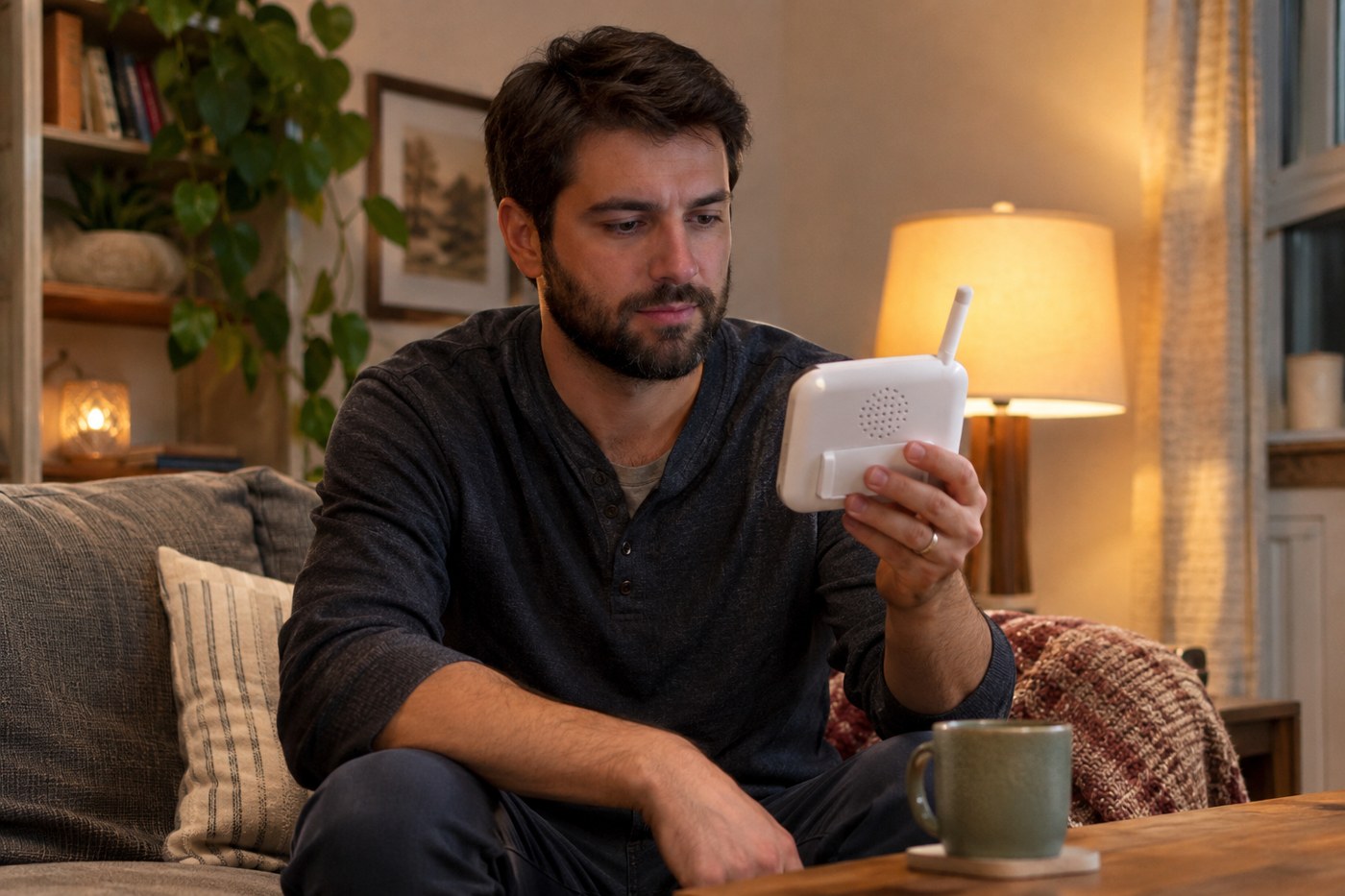
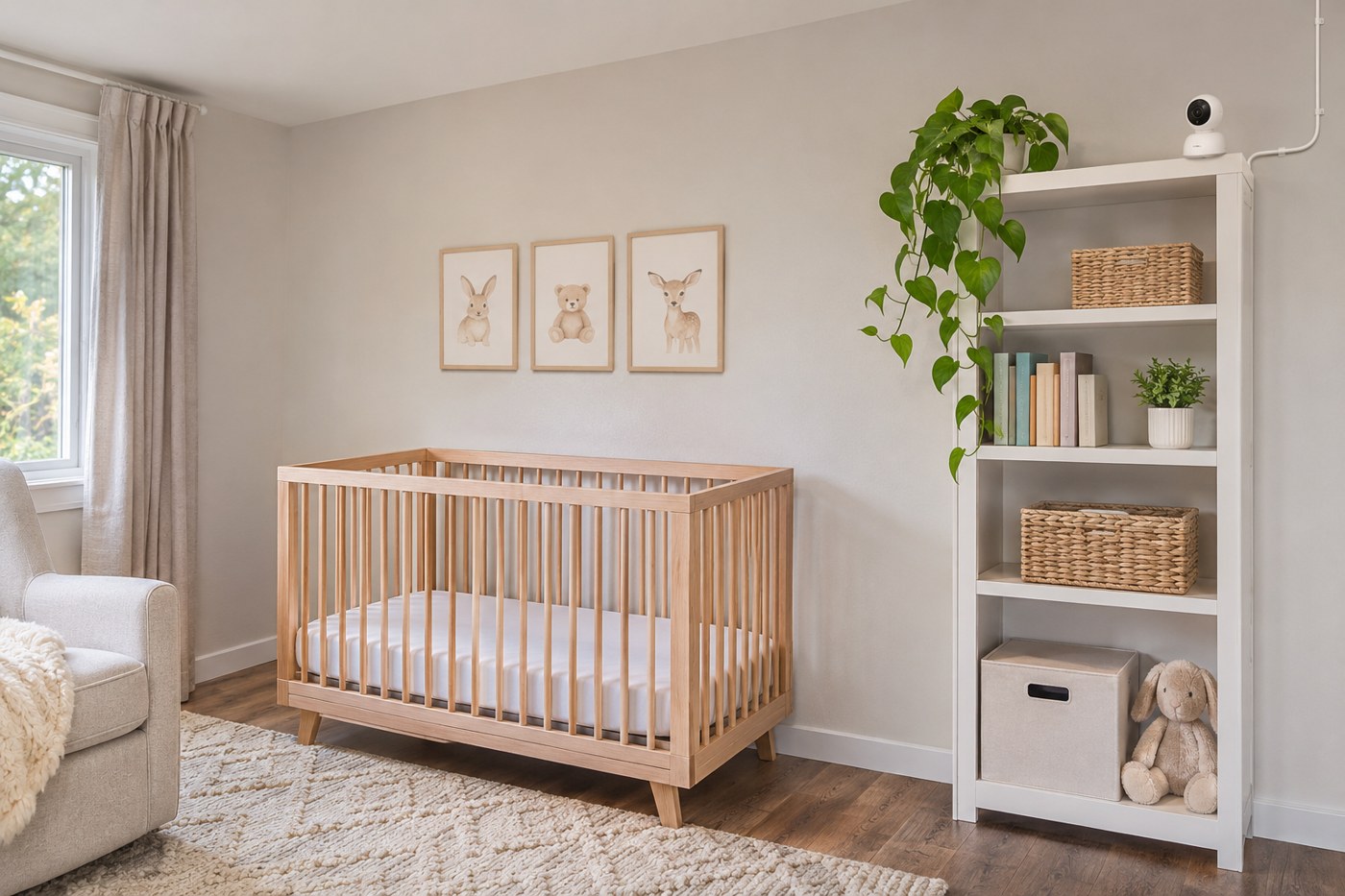
The devices shown in the images are generic and do not depict the products being compared.
Table to get started
| Need | eufy E21 | Nanit Smart Baby Monitor |
|---|---|---|
| Dedicated display | Five-inch parent display included with the E21 | Optional eight-inch Home Display; check package |
| Use without internet | Direct link between camera and screen | Check device, app, and screen requirements; do not assume independent functioning |
| Access from outside | App via compatible Wi-Fi connection | App connected |
| Image | Advertised 4K camera; 720p display included | HD Video; check exact model |
| Framing control | Motorized horizontal and vertical movement | Top view with proper mounting |
| Sleep Tracking | Do not purchase as an equivalent of Insights | Analysis and history depend on mounting and the Insights plan |
| Cost to review | Equipment, accessories and any optional services | Camera, mounting stand, optional display and chosen plan |
| Usual priority | Direct display and connection flexibility | History and connected tools |
What happens if there is no internet
The E21's direct link allows you to use the camera and display without connecting the camera to the home network. It can be practical when traveling or for those who want to avoid having to rely on the phone for observation. Remote access via app is a different function: it requires a connection.
With Nanit, check which features are still available under your network conditions and with the package you purchase. A dedicated display does not necessarily mean an independent radio link like that of another monitor. Before a trip, confirm network requirements and test your equipment.
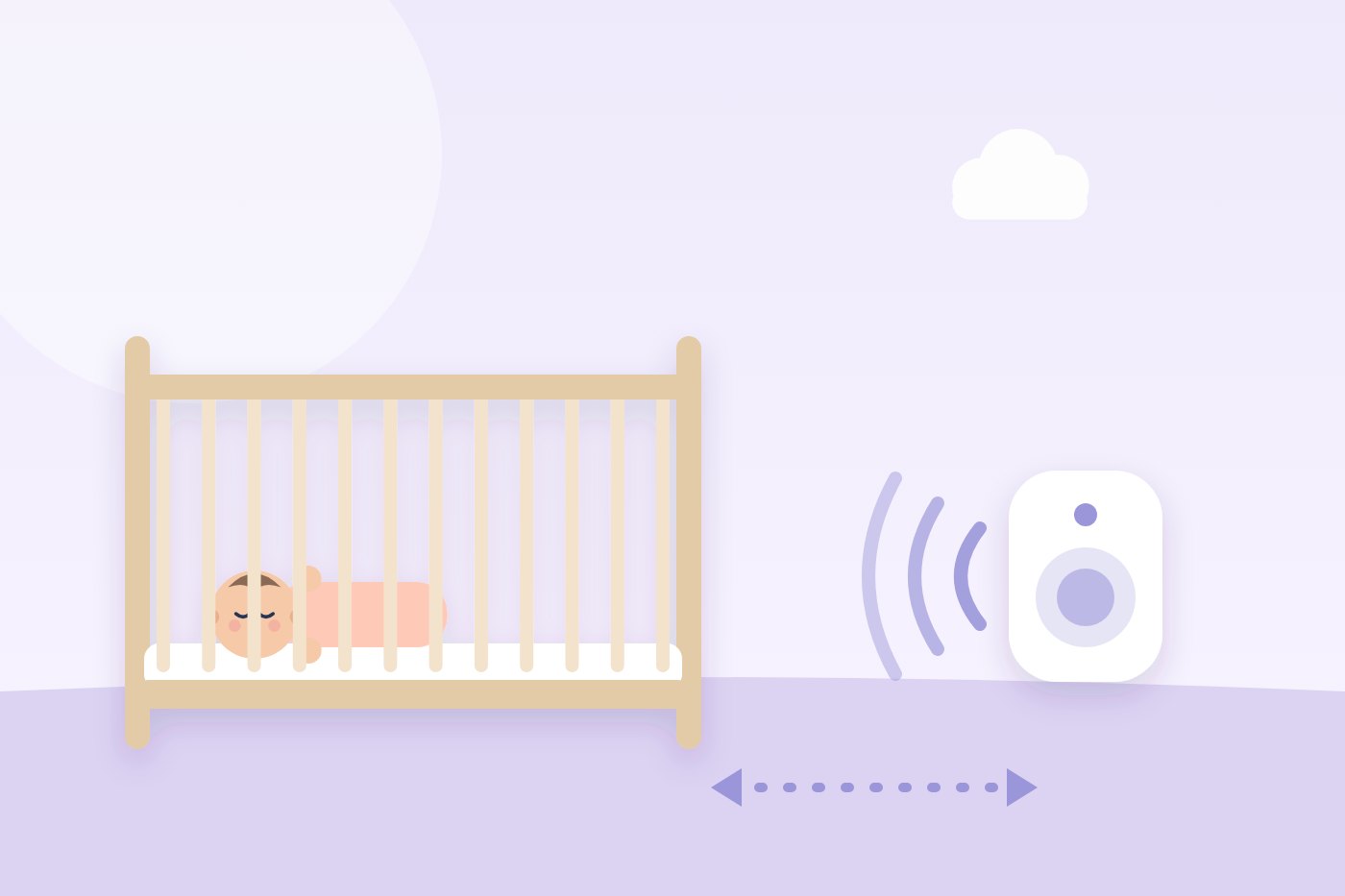
The important test happens in your house: bedroom, kitchen, another floor and the place where you will rest. Advertised maximum distances in open spaces do not predict coverage through walls.
4K camera and 720p screen are not a contradiction
The camera and the screen are different components. Just because the E21 advertises 4K capture doesn't turn its five-inch unit into a 4K display. Additionally, connection, lighting, zoom, and screen size all affect what you can see.
For everyday use, compare whether you see the baby clearly from the chosen frame, whether you hear well and whether you can operate the controls in low light. A higher figure does not replace these checks and does not provide a medical evaluation.
Sleep analysis: when paying for it makes sense
Nanit offers sleep and history tools through its Insights plans. The specific availability depends on the plan and the assembly: wall or floor stands allow functions that should not be taken for granted with a travel stand.
Before subscribing, choose a question you want answered: when your baby usually falls asleep, how their nights change, or what information you need to share. If you are not going to consult that history, perhaps live video will be enough.
Review what remains after finishing a trial and what features the account retains without a plan. Don't confuse an initial promotion with permanent access. Choose by the features you would use during a year, not by the number of graphics.
Screen and caregivers: think about who will use it
A screen given to grandparents can simplify handover. An app can make it easy for multiple people to access, but it requires accounts, permissions, and an available phone.
Nanit currently offers an optional Home Display, so compare the price of the complete set if that feature is important. Don't compare a kit with a screen against a camera alone as if they were equivalent packages.
With E21, also check what your offer includes and whether any multi-camera features require purchasing another. A split screen ad doesn't mean two cameras come in the box.
Battery and assembly: what can complicate the night
The E21 incorporates a battery-operated camera, a convenience for temporarily moving it. The manufacturer recommends connecting it at night. Don't assume that the advertised battery life will last an entire night with any configuration.
On both systems, check support stability, room compatibility, and cable clearance. Framing must be achieved with a secure mount, without putting the equipment inside the cradle or leaving cables within reach. Follow the instructions on the model.
Privacy: settings that should be reviewed
The E21 has a physical Wi-Fi switch. Using a local link can prevent remote access over the Internet, but no system deserves to be described as impossible to breach.
On connected devices, use a unique password, enable available access protections, install updates, and remove users who no longer need to log in. Decide who gets alerts and which ones are really useful.
What you should not expect from a baby monitor
A home camera does not prevent sudden death or replace a safe sleep environment. Respiratory motion functions are not the same as measuring oxygen, diagnosing disease, or ensuring that there will not be a problem. The E21 should not be confused with a vital signs monitor.
If there is a medical need, follow the healthcare team's plan. More alarms can add work without improving rest.
How to decide and calculate the full cost
The E21 may fit if you prioritize direct screen, local operation and the possibility of using an app. Nanit may interest you if you want history tools and are willing to review assembly, subscription and accessories.
Add camera, necessary support, screen if you want it, services for twelve months, shipping and local warranty. Take advantage of the return period to check coverage, sound and handling. The useful choice is the one that solves your daily use with fewer complications, not the one that accumulates the most specifications.
General information, not medical advice. If you are worried about your baby's sleep, feeding or health, talk to your doctor, midwife or health visitor.